POU
Listed Under:
POU Game Controls:
Game is played with mouse.
POU Review + Tips & Tricks by GplusGames.com:
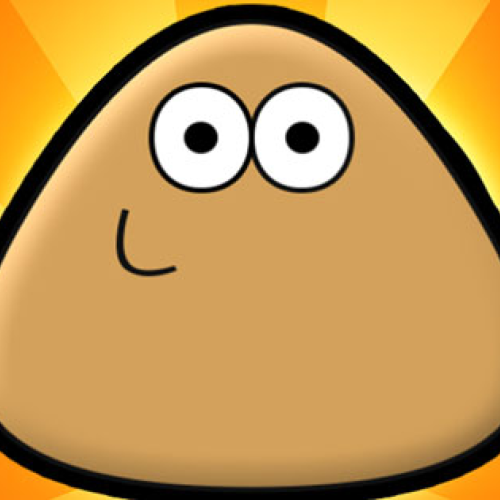
Pou is your weird little alien buddy who needs constant care. First things first, keep him clean—grab some soap, scrub him down, and make sure he’s fresh. If you ignore him for too long, he gets all dirty and grumpy, and nobody wants a sad Pou.
Once he’s squeaky clean, it’s time to eat. Head to the kitchen and feed him whatever you think he’ll like—burgers, pizza, veggies, or even some weird alien snacks. But don’t overdo it, or he’ll get sluggish. You gotta balance his diet so he stays active and happy.
Now let’s talk about style. Pou’s wardrobe is packed with outfits, and you can dress him however you want. Want a serious businessman Pou? Throw on a suit. Feeling silly? Put him in a ridiculous costume. There are hats, glasses, and even crazy color changes to make him stand out. Try new looks and mix things up whenever you get bored.
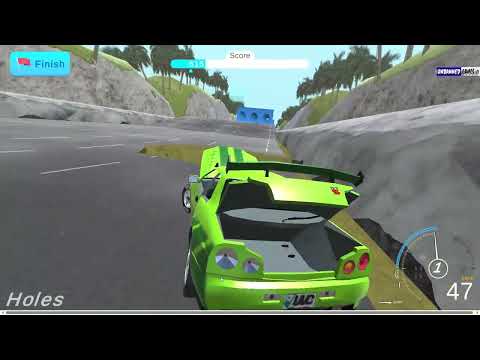
When Pou is well-fed and dressed up, it’s time for some mini-games. The game room has a bunch of fun challenges, from jumping in Sky Hop to rolling in Hill Drive. There’s even Food Drop if you wanna test your reaction speed. These games aren’t just for fun—you earn coins to buy new stuff for Pou and decorate his rooms.
Daily tasks keep things interesting, too. Completing them unlocks rare outfits, new furniture, and other cool upgrades. The more you play, the more features you unlock, so Pou never gets boring.
Whether you’re keeping him clean, dressing him up, or playing games, Pou is always up to something. Take care of him, try out new looks, and make sure he’s having a good time. There’s always something new to do, so see how far you can level up your Pou!
No Gameplay Yet — Watch Something Similar!
Gameplay, quick guides, and reviews recorded for GplusGames.com